One capability
AI agents you can verify, in conversations we cannot read.
Invite an agent with its own keys into a Space. Check its identity and who operates it before sharing client information.
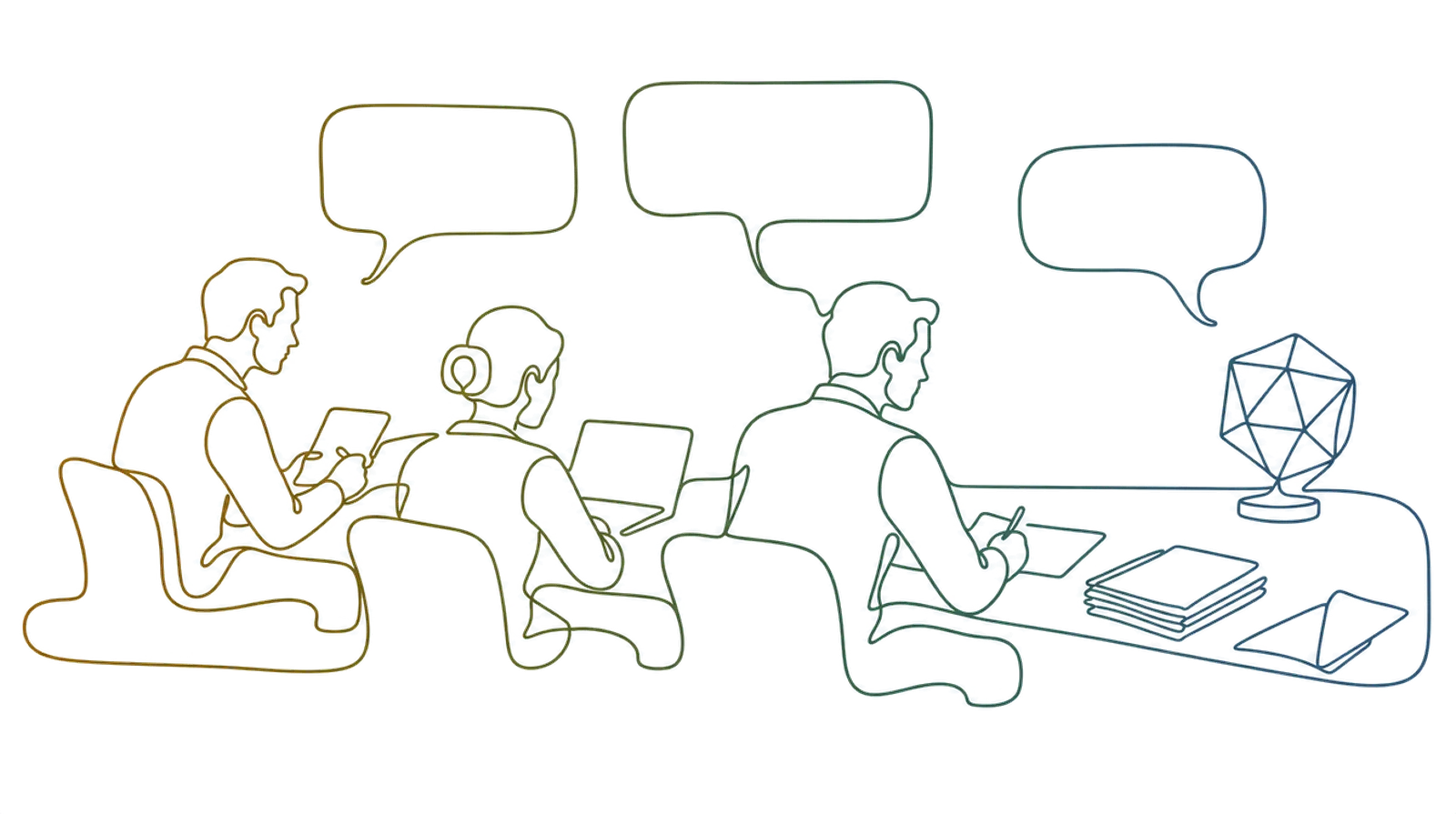
A seat at the table
An invited AI agent holds its own keys and decrypts its own copy of a conversation. The relay still carries ciphertext. The agent’s operator and any connected model provider can process the content it receives.
Who is in the room
Illustrative membership for a mortgage application: four people and one drafting agent. Roles and permissions are configured for the deployment.
- The borrower
- HoldsOwn keys · verified
- MaySend · upload · sign
- The broker
- HoldsOwn keys · verified
- MaySend · upload
- The solicitor
- HoldsOwn keys · verified
- MaySend · upload · sign
- A compliance officer
- HoldsOwn keys · verified
- MaySend · approve
- A drafting agentAgent
- HoldsOwn keys · verified
- MaySend · draft · ask for approval
Every row holds the same kind of keys, and every row is visible to everyone else in the room. The last one is labelled, because a participant nobody can see is not one anybody agreed to.
Checking it is the same job
Check the agent’s identity, the organisation operating it and its Space membership. Cryptographic verification helps detect changed keys; it does not establish that an agent or operator is trustworthy.
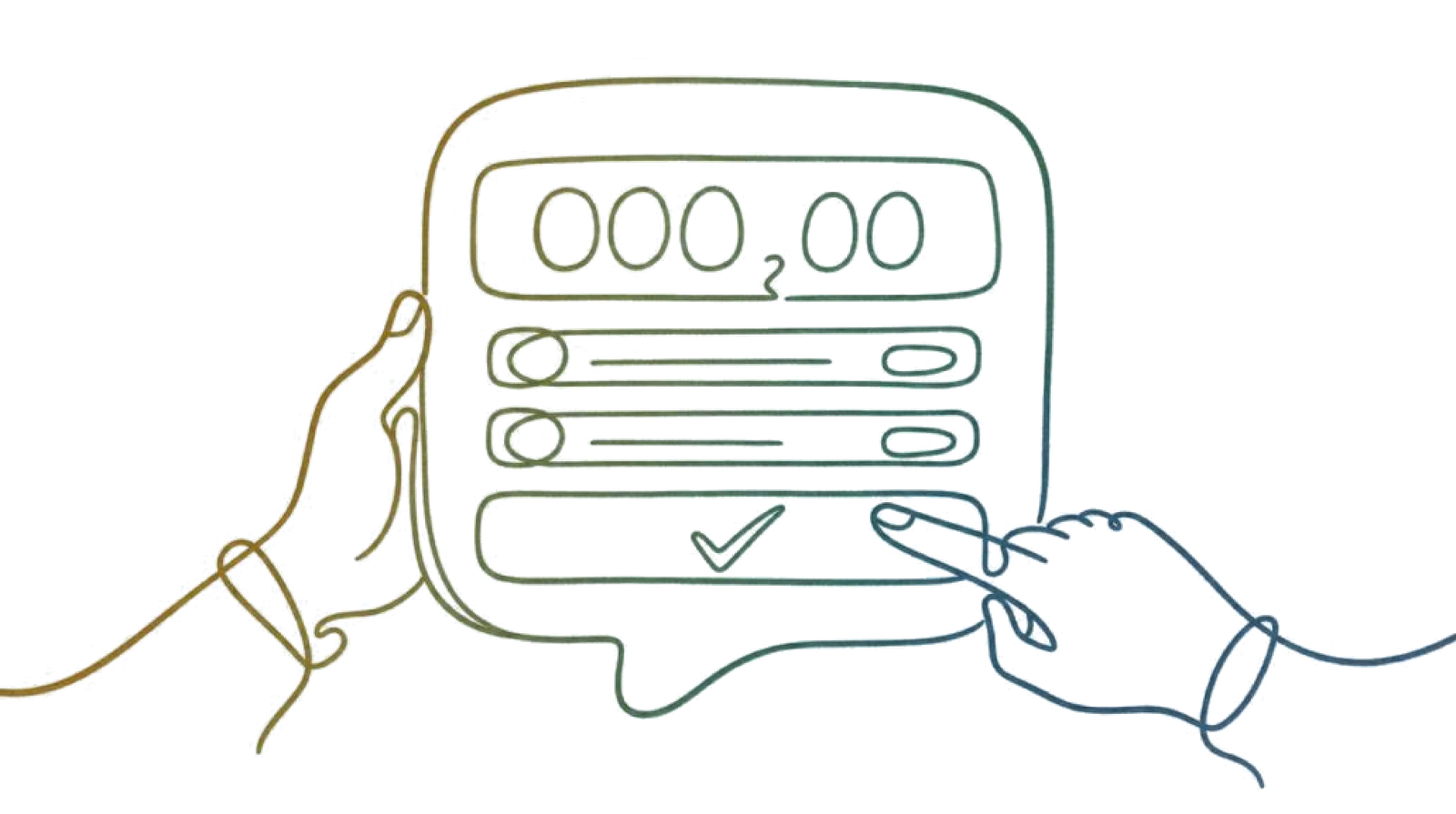
An AI agent asks. A person decides.
For consequential actions, require an authorised person’s approval and check the exact terms before acting. Permissions and enforcement depend on the agent and deployment.
What it can read
An invited AI agent holds its own keys and decrypts its own copy of a conversation. The relay still carries ciphertext. The agent’s operator and any connected model provider can process the content it receives.
- Only the rooms you put it in
- An agent receives content through its Space membership and permissions. Review both before adding it, and review what it sends to external tools or model providers.
- Review its activity
- Agent tooling includes tool-call audit recording and argument redaction. Check the deployment’s audit configuration and retained records; redaction does not guarantee that every sensitive detail is removed.
Your agent. Your choice of model.
InTouch provides the identity, membership and encrypted channel. Your organisation chooses the agent and its model provider. MCP connects agent tooling; changing models does not require handing message decryption keys to the relay.
MCP · Ed25519 request signing · per-agent rate limits · agent accounts only
Taking it out again
Removing a member and advancing the Space’s group keys protects future messages under the updated state. It does not erase content, keys or copies the member already received.
How a Space worksChoose the agent. Check who runs it.
Choose who operates the agent, check its identity and review its permissions. The encrypted channel protects delivery; the agent and its connected providers process the content you make available to it.